

Example Guidefrom Mike
Get your printer back on Wi-Fi.
1. Open Wi-Fi Setup.
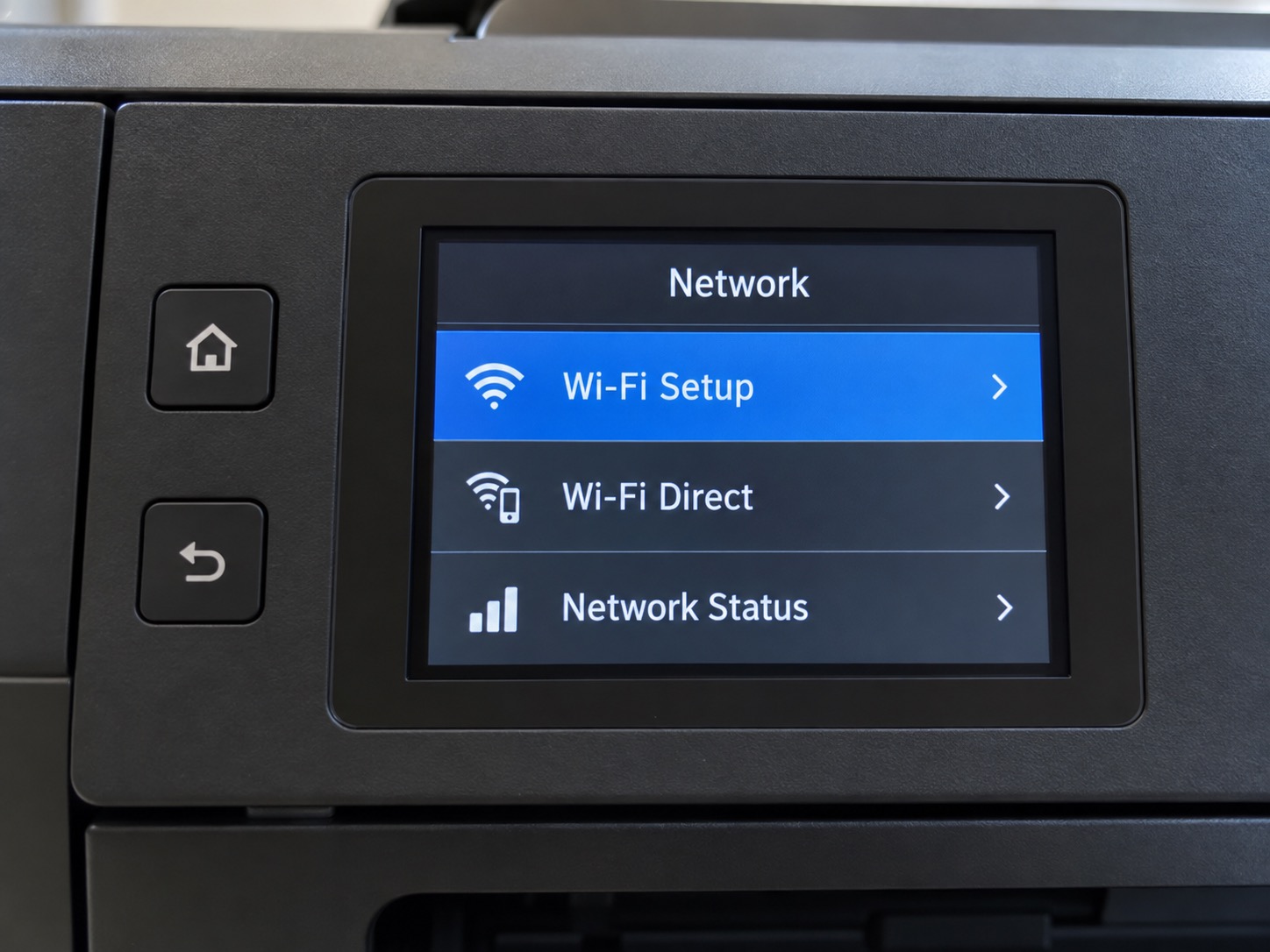

See the example
- Open Wi-Fi Setup on the printer.
- Choose your home network.
If your printer looks different, text Mike.
I’m Mike. I help with phones, computers, Wi-Fi and printers, remotely or in person. Tell me what’s going on.
Something stopped working. Something changed. Or you just want someone to walk you through it.
Get helpA new phone. Photos you can’t find. A setting that moved.
We can work through it together, at your pace.
Text Mike about thisSomething’s slow, an update is confusing, or a popup looks wrong.
Tell me what you see. We’ll work out a sensible next step.
Text Mike about thisThe connection drops, or one room never seems to work.
I can help make sense of the setup and where the trouble starts.
Text Mike about thisIt worked yesterday. Now it won’t connect or print.
We can check the connection and work through the next steps together.
Text Mike about thisCall or text in your own words. You don’t have to know what to ask for.
Over the phone, on a shared screen, or in person when that makes sense.
When it helps, I can leave you a Guide with steps and details for next time.
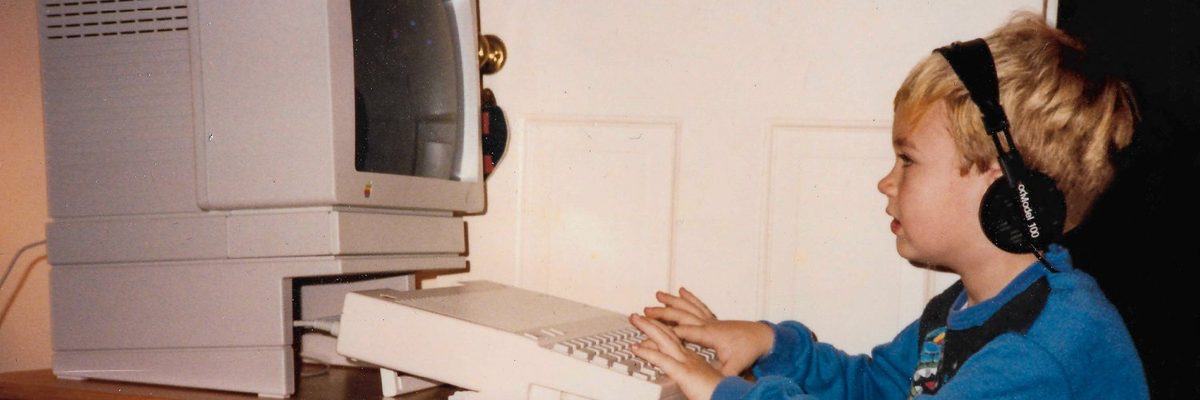
I’ve worked with computers most of my life. These days, a lot of what I do is help people feel comfortable with the technology they already have.
You can ask the small questions. We can slow down, go over it again, and find a way that makes sense to you.
More about MikeWhen there are steps worth keeping, I can put them in a private Guide. Open it again with your key, whenever you need it.
Open your GuideExample Guidefrom Mike
1. Open Wi-Fi Setup.
If your printer looks different, text Mike.
We’ll find a place to start.
Tips are always optional. Bigger jobs get a clear price up front.
Help for shops and small offices